> For the complete documentation index, see [llms.txt](https://docs.p4warehouse.com/v2/llms.txt). Markdown versions of documentation pages are available by appending `.md` to page URLs; this page is available as [Markdown](https://docs.p4warehouse.com/v2/fulfillment/pick-tickets/picking-or-handheld-interface.md).
# Picking | Handheld Interface
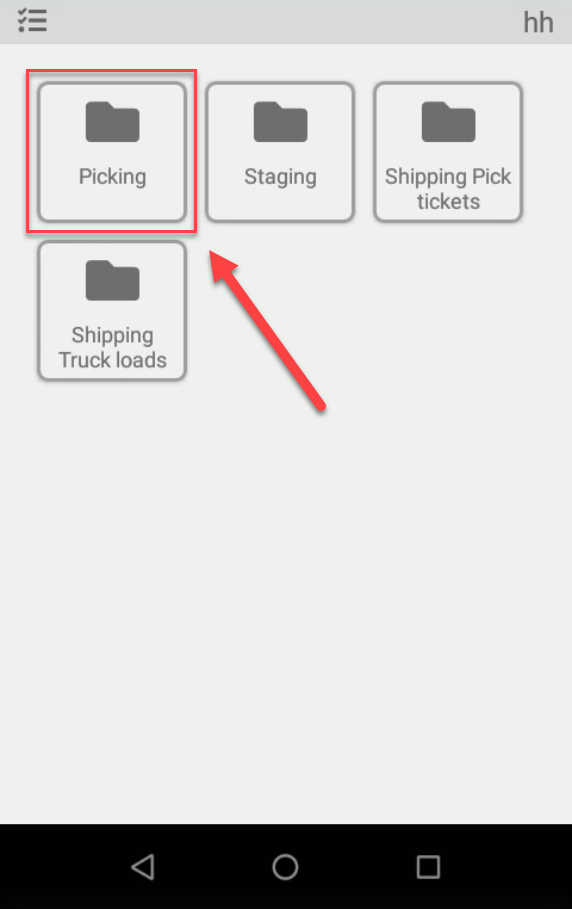
To start physical picking of an order access the 'Picking' folder using an android handheld device. From the main menu, navigate to Fulfillment > Picking.
#### Step 1
#### Step 2
## Picking Options
Picking folder contains 6 different options: Pick ticket list, Tag list, Pick & Pack, Wave picking, Full pack picking, Carton picking. For the detailed explanation see the corresponding section.