> For the complete documentation index, see [llms.txt](https://docs.p4warehouse.com/v2/llms.txt). Markdown versions of documentation pages are available by appending `.md` to page URLs; this page is available as [Markdown](https://docs.p4warehouse.com/v2/production/production-orders/handheld-or-production/production-process/produce.md).
# Produce
When the processing is done, it is time to use 'Produce' action to finish production process and store finial product in the warehouse.
Select 'Produce' option from the 'Production' folder and scan production order number in question.
#### Step 1
#### Step 2
Scan the produced product and enter quantity.
#### Step 3
Select the Bin/LPN in which you want to store the finished products.
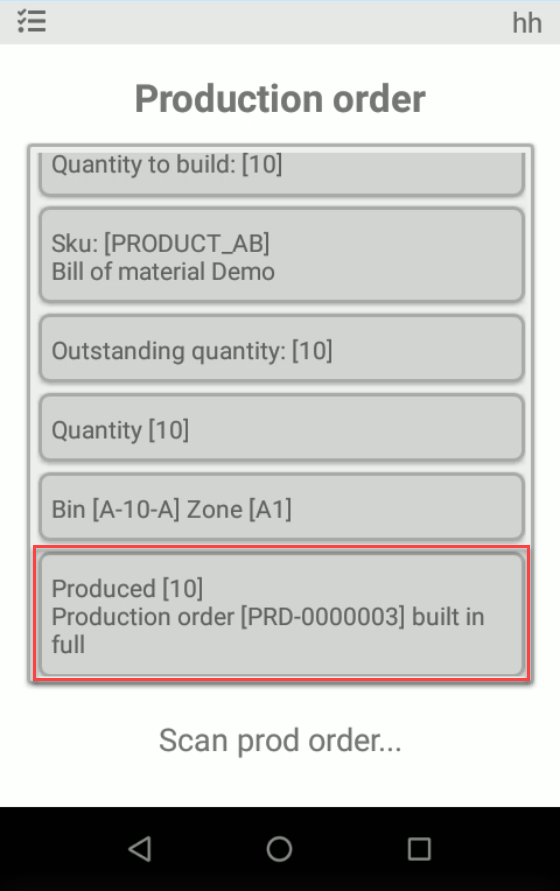
#### Result
Following production order has been completed in full and stored in the warehouse.
The order now can be closed from the P4W web interface.